
Church Center
Church Center is a free mobile app and web experience where you can explore, engage and get involved with community at Siler. You can see updates and messages for your ministry groups, view and register for events, manage your giving and make sure your contact information is up-to-date. The app requires you to login to view your own information or information for your groups, so you can be sure your personal data is protected.

Get Started
1 - Install the App:
Search ‘Church Center’ in your app store
Download and install
Open and app and click on ‘Get Started’
It will need to find our church so you can either:
Allow it to access your location & click ‘Siler Presbyterian Church’ OR
Don’t allow access and search for our church manually
Click on our church logo and select, ‘This is my church’
Enter your phone number
Enter the login code that will be immediately texted to you
Click on your user profile to log in (Don’t worry…these steps are just to set up the app. You won’t have to do this every time!)
2 - Review Your Contact Info and Upload Your Picture:
Open the Church Center app once you’ve registered
Click on the silhouette icon in the top right corner
Review email, phone number, mailing address, and add a photo


Get Connected
Once you download Church Center and login, you’ll be able to take advantage of all sorts of features. Here are some of the most commonly used sections:
-
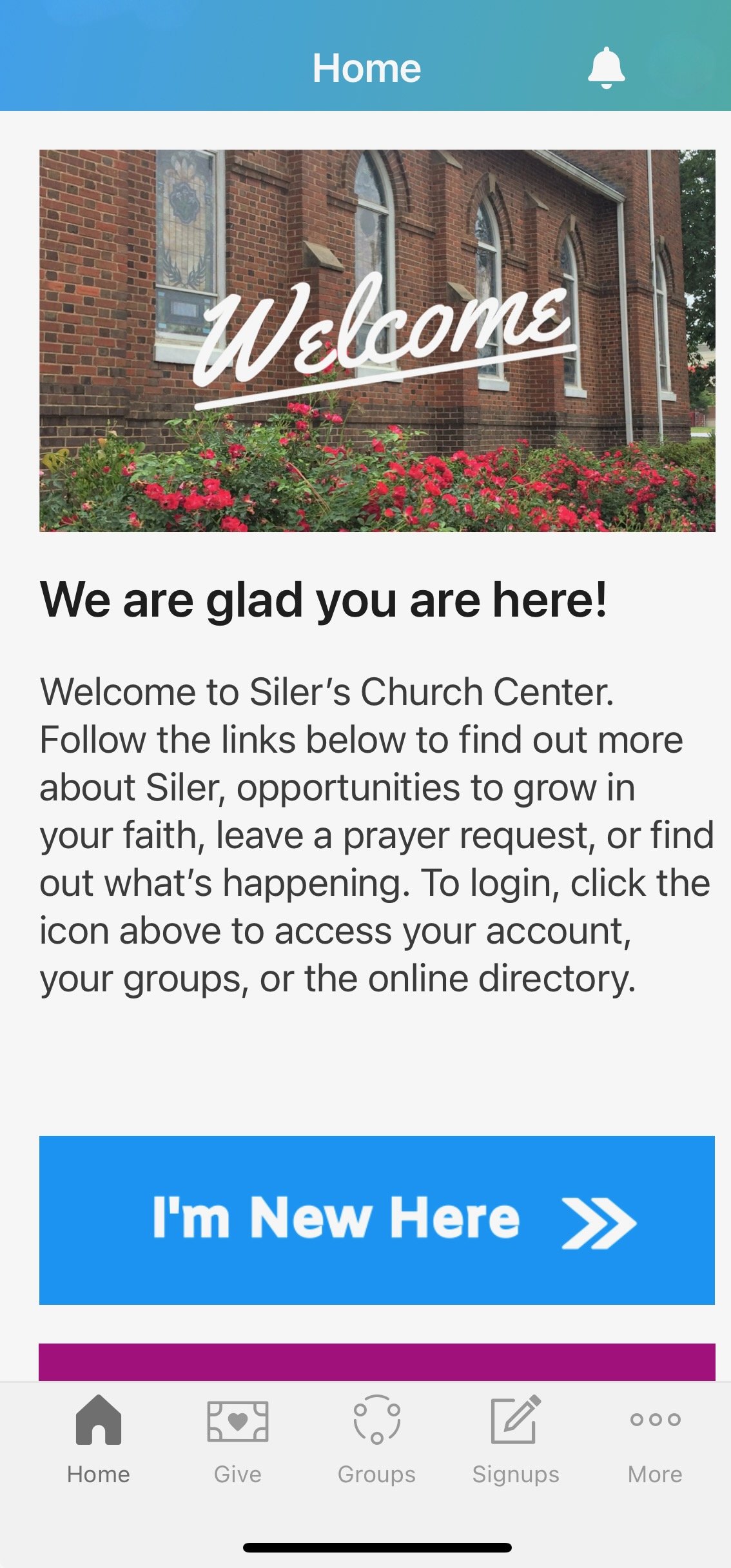
The main Home tab holds important information about our church. You can submit prayer requests, review the calendar access forms and other resources.
-
Church Center makes mobile giving simple and convenient. In the Giving tab, you can quickly setup one-time or recurring donations. You can also access your giving history.
-
Connecting with your group is easy! You can connect with other group members, see when the next group event is and share study materials or other resources.
-
Easily access event signups to make sure your spot is reserved. After you register, you can view or update your registrations in your profile.
-
There are lots of exciting things happening at Siler! In the Calendar tab, you can find and register your household for all upcoming events.
Church Center provides Group Leaders a great way to connect with their group members. Whether you want to send a quick message or email, schedule a new event or add a new member, it’s all possible with the mobile app. Here is a link that provides training videos on Groups. Scroll to mid-page and find the 12 minute video titled “Leader | Use the Church Center App”.
If you have any questions, please email Gale Duarte at mandgduarte@gmail.com for assistance.